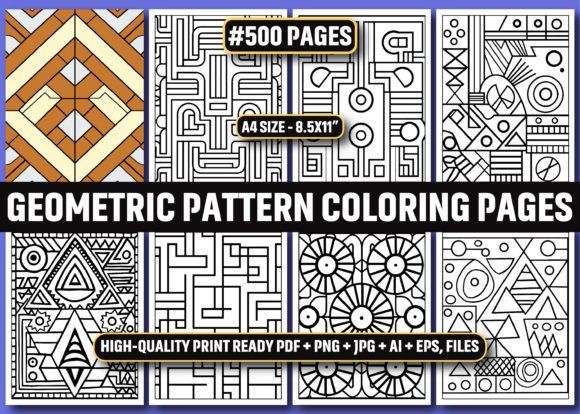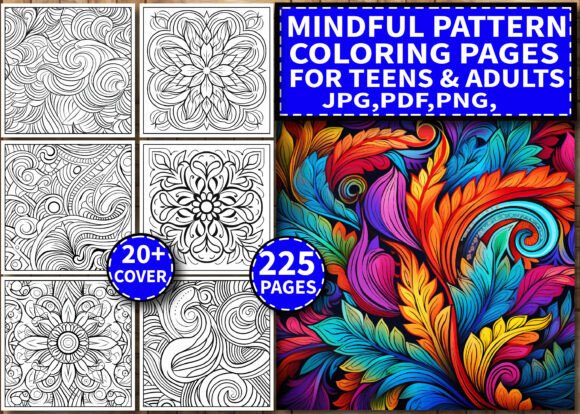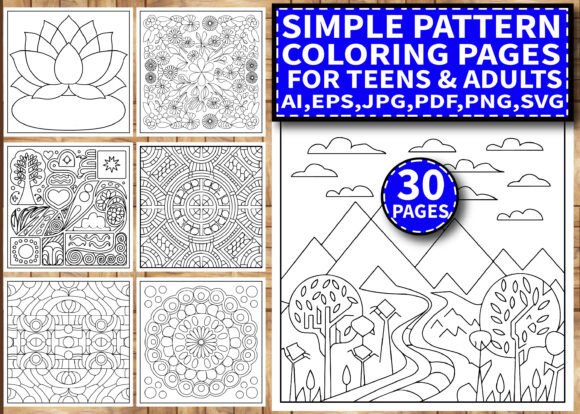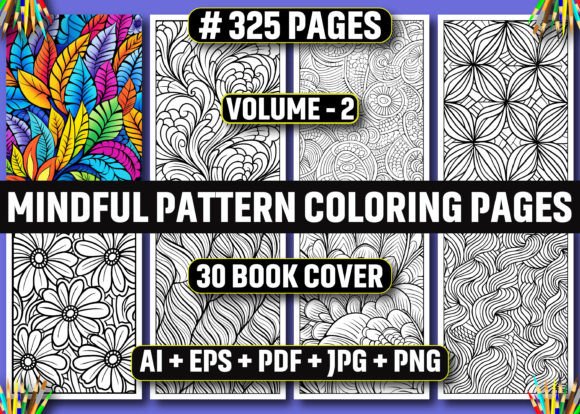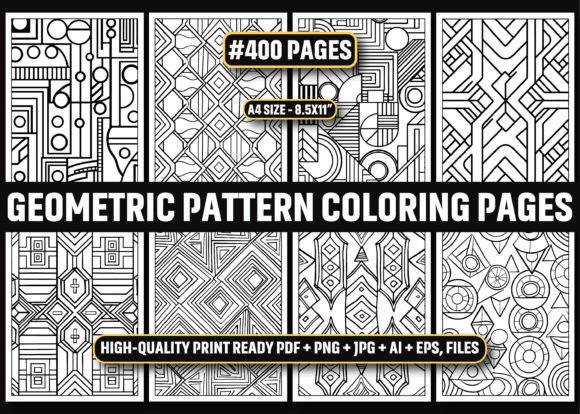
400 Geometric Pattern Coloring Pages KDP
For creators building on Amazon KDP—or anyone launching print-on-demand (POD) products—the 400 Geometric Pattern Coloring Pages KDP bundle isn’t just another digital asset. It’s a production-ready interior resource designed to reduce friction between concept and launch. Whether you’re publishing your first adult coloring book or scaling a catalog of mindful design titles, this collection integrates directly into existing workflows—no reformatting, no guesswork, and no compromise on quality control.
How This Bundle Fits Into Your Publishing Workflow
Most KDP publishers start with an idea, then spend hours sourcing or designing interiors. That delay compounds: formatting for 8.5″ × 11″ trim size, ensuring 300 DPI resolution, verifying bleed-free margins, exporting multiple file types, and testing PDF print readiness. The 400 Geometric Pattern Coloring Pages KDP eliminates those steps. Every page arrives pre-sized, high-resolution, and optimized for KDP’s interior requirements—meaning you move from download to upload in under an hour.
This isn’t theoretical efficiency. Freelance designers use the AI and EPS files to adjust line weights or add custom branding before export. Educators repurpose individual PNGs for classroom handouts or digital learning modules. Small business owners embed select patterns into branded wellness kits or subscription boxes. Each use case starts from the same foundation: consistency, clarity, and compatibility.
Before Launch: Preparation That Saves Time Later
Preparation begins the moment you unzip the file. Inside, you’ll find four parallel formats—AI, EPS, PDF, JPG, and PNG—each serving a distinct role:
- AI and EPS files are fully editable in Adobe Illustrator or Affinity Designer. Use them to modify symmetry, scale motifs, or combine patterns into composite pages.
- PDF files are print-ready and KDP-verified—ideal for immediate interior uploads without conversion risks.
- JPG and PNG files (both at 300 DPI) support flexibility: PNGs retain transparency for overlays or digital apps; JPGs compress cleanly for email previews or client proofs.
Because all 400 pages share identical dimensions and resolution, batch processing is reliable. You can rename files sequentially, import them into InDesign using Data Merge, or drag-and-drop into Canva for quick cover pairings. No manual resizing. No pixelation checks. No last-minute KDP warnings about low-res images.
During Creation: Integration With Design Tools and Platforms
Integration isn’t about “plug-and-play”—it’s about predictable behavior across tools. For example:
- If you use Adobe InDesign, place the PDFs directly as linked assets. Their fixed dimensions prevent layout drift during pagination.
- If you rely on Canva, upload PNGs to maintain crisp edges—even when resizing within templates.
- If you’re building a multi-format product line (e.g., printable PDF + physical book + digital app), the JPGs serve web previews, the PDFs go to KDP, and the AI files feed into SVG exports for interactive platforms.
This cross-platform stability means less time troubleshooting and more time refining value-add elements—like adding guided reflection prompts, creating themed sections (mandalas, tessellations, sacred geometry), or developing companion workbooks. You’re not rebuilding the interior—you’re elevating it.
After Publication: Scalability and Long-Term Usability
A common bottleneck for KDP sellers is version fatigue: updating interiors across multiple titles, maintaining visual continuity, or adapting to algorithm shifts. The 400 Geometric Pattern Coloring Pages KDP supports long-term usability through structure—not just quantity.
Each pattern is intentionally varied but cohesive. Line density, motif complexity, and negative space balance shift gradually across the set, supporting natural progression—from beginner-friendly repeats to intricate interlocking forms. That variation allows you to curate subsets by difficulty, theme, or audience need (e.g., “Stress Relief Collection” vs. “Advanced Symmetry Workbook”) without sourcing new assets.
And because licensing permits both personal and commercial use—including resale on Amazon—you retain full control over how and where each page appears. You might publish one volume focused on mindfulness, another targeting STEM educators, and a third as a premium add-on for a journaling course—all drawing from the same verified source.
Practical Implementation Tips for Real Workflows
Here’s how working creators actually apply this bundle—no abstraction, just execution:
- Batch-test KDP uploads: Upload 5–10 PDFs first to verify preview rendering. Check corner alignment, grayscale fidelity, and margin integrity—then proceed with the full set.
- Organize by complexity: Sort files numerically, then manually group into tiers (e.g., Level 1: open shapes; Level 2: layered grids; Level 3: interwoven linework). This speeds up curation for themed volumes.
- Use AI files for micro-adjustments: Lighten line weights slightly for older audiences, increase contrast for screen-based coloring apps, or isolate motifs to build custom covers or social media assets.
- Leverage PNGs for marketing: Drop individual patterns into Instagram carousels or Pinterest pins with overlay text (“Page #127 – Try slow-line shading today”). Their transparency blends cleanly with brand colors.
- Archive master files separately: Keep the original ZIP intact. Rename working copies clearly (e.g., “KDP_Volume3_Mindful_Tier2”) to avoid confusion during future updates.
Quality Control and Consistency Checks You Should Run
Even with pre-optimized files, a few quick checks prevent post-launch corrections:
- Open one PDF in Adobe Acrobat and zoom to 400%. Confirm lines remain sharp—no blurring or anti-aliasing artifacts.
- Compare a JPG and PNG side-by-side in Photoshop. Ensure no color shift occurs between formats (critical if adding spot-color accents later).
- Import three random AI files into Illustrator and check layer naming. Consistent labeling simplifies global edits (e.g., selecting all “border” layers to adjust stroke width).
- Print one test page on standard 24 lb. paper. Verify that fine details (like 0.25 pt lines) render clearly—not as faint smudges.
These aren’t overhead tasks. They’re calibration steps—like checking printer alignment before a large run. Done once, they ensure every subsequent use delivers predictable, professional output.
Where This Bundle Adds Value Beyond the Obvious
Yes, it supplies 400 ready-to-publish pages. But its deeper utility lies in how it changes your relationship to time and iteration:
You stop asking, “Can I get this done by Friday?” and start asking, “What insight or audience need should this volume reflect?” The interior is no longer the bottleneck—it’s the stable base. That shift matters whether you’re a solopreneur testing demand for geometric-themed journals, a marketer building lead magnets for a productivity course, or an educator assembling tactile resources for neurodiverse learners. The patterns themselves invite focus, but the workflow around them invites intention.
When your tools behave consistently—and your assets scale without degradation—you invest energy where it compounds: in positioning, storytelling, community building, and thoughtful iteration. The 400 Geometric Pattern Coloring Pages KDP doesn’t replace creativity. It removes the friction that quietly drains it.